Help desk support
Describe the task, the error and its effect on the people working. This gives the investigation a practical starting point.
02 / THE WORKDAY, SUPPORTED
When a workplace system interrupts the day, start with what you need to do and what is getting in the way. We help investigate the issue and work through the next step with you.
Where to start
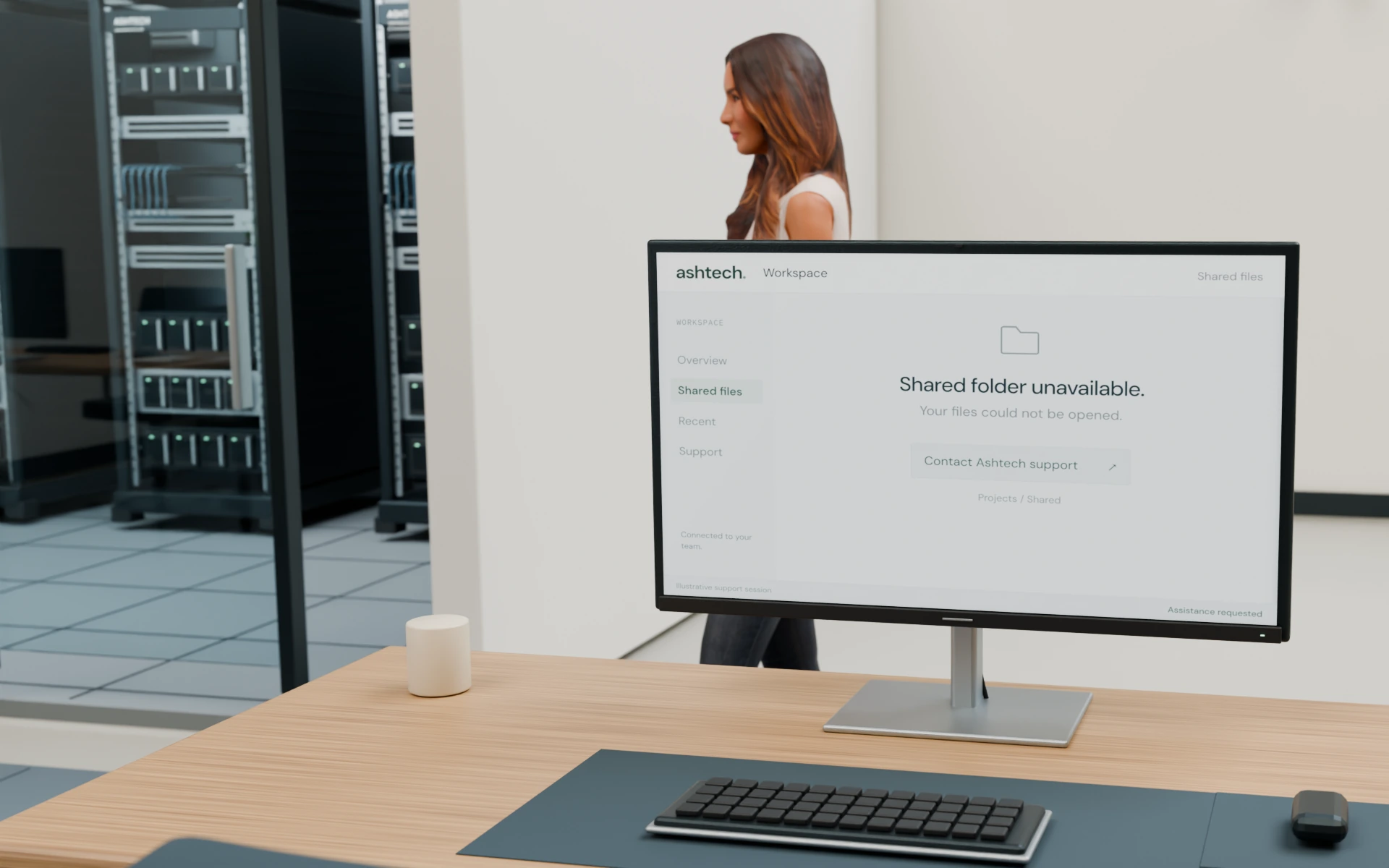
A connection issue, an unavailable shared resource or a server or network question can have several causes. The first step is to understand what changed and who is affected.
Describe the task, the error and its effect on the people working. This gives the investigation a practical starting point.
Where suitable, a remote session lets us investigate with your permission and check the agreed function with the person using it.
Discuss installation, configuration or an existing problem. A larger setup or physical change can be defined as a separate piece of work.
A remote support session
Tell us what you were trying to do, when the problem started, any error message and whether one person or several people are affected.
Review the system involved and whether remote assistance fits the issue. Remote access is arranged with your permission; use the agreed access method rather than sending credentials in an enquiry.
Work through the connection, configuration or resource involved. If the request needs physical access, additional permissions or a separately scoped installation, discuss that next step.
Check the agreed task together and explain what changed or what still needs attention. Any follow-up work and support arrangements should be confirmed for the request.
Before requesting support
Specific details help separate a single-user issue from a wider workplace problem. You do not need to diagnose the cause before getting in touch.
Discuss a support issueOur public hours are Monday–Friday, 7:30 AM–4:30 PM Pacific. Availability, scope and charges are discussed for the request.
Common questions
Some connection, shared-resource and configuration issues can be investigated remotely when the relevant system is accessible and you authorize access. Describe the issue first so we can discuss whether remote assistance is appropriate.
If the issue needs physical access, discuss the workplace location, equipment and access available. Agree a separate visit or installation scope for the work required.
Tell us the system, device model, software version and equipment involved. We review compatibility, required access and the work involved before agreeing a scope for your environment.
Our public hours are Monday–Friday, 7:30 AM–4:30 PM Pacific. Use the contact page to describe your request. Availability, scope, access and charges are discussed before work is agreed.
Your next step
Share what you are trying to do, what happens instead and the best way to reach you. Please leave out passwords and sensitive information.